An Education.com alternative for worksheets you make yourself
Describe the skill and the grade, and get student pages with matching answer keys in one PDF to print.
Make a lesson visualTeachFigs is an AI alternative to Education.com for teachers, tutors, and homeschool families who want custom printable worksheets with matching answer keys from Pre-K through 12th grade (or adult learners) — with no student accounts or student data required. Instead of searching a library or hitting a 3-download monthly limit, describe the skill and grade and download one letter-size PDF with one to three student pages and their matching answer keys, or create coloring pages, picture cards, and graphic organizers (exported as PDF, PNG, JPEG, WebP, auto-traced SVG, or 300 DPI PNG).
Education.com is a library of ready-made printables and online practice for preschool through 8th grade, with most of its content for pre-K through 5th grade. A free Basic account can download 3 items a month, and the count resets each month. Premium gives unlimited access, including answer sheets and Guided Lessons that students do online, and a Worksheet Generator makes word searches, crosswords, scrambles and matching lists from your own words. Its pricing page says Premium renews at US $15.99 a month or US $119.88 a year, and it also shows discounts.
The two work differently. Education.com is quick when its library already has the page, and it has online lessons and assignments, which TeachFigs does not. TeachFigs helps when you need your own topic, your own words, a picture on the page, or a grade above 8th. For a worksheet, choose an age range or a US grade, set the challenge to Support, Standard or Stretch, and make an easier and a harder version of the same page for different groups. The examples below are real pages from this workflow.
Check every page before you share it. Image models can misspell a word, draw a part in the wrong place, or write an answer that does not match the picture. Change the description and make it again if something is off.
Education.com details are as of November 16, 2026 (sources below); plans and prices may change. TeachFigs is not affiliated with Education.com or IXL Learning. Generated examples are drafts; review every label, answer and fact before classroom use.
| Feature | TeachFigs | Education.com |
|---|---|---|
| How you get a worksheet | Describe it, and TeachFigs draws the student pages and keys | Search a library of ready-made printables, or build word puzzles from your own words |
| Free use | 10 credits once at signup | Basic account: 3 downloads a month, reset each month |
| Paid plans | Starter $8 a month for 30 credits; Classroom $24 a month for 100 credits; credit packs $4 for 15 credits | Premium, unlimited access; renews at US $15.99 a month or $119.88 a year |
| Grades | Pre-K to 12th grade, or adults | Preschool to 8th grade, mostly pre-K to 5th |
| Answer keys | A matching key for every student page, in the same PDF | Premium answer sheets on many worksheets for grade 3 and up |
| Online student practice | None; printable pages and images only | Guided Lessons and digital assignments with Premium |
Example figures
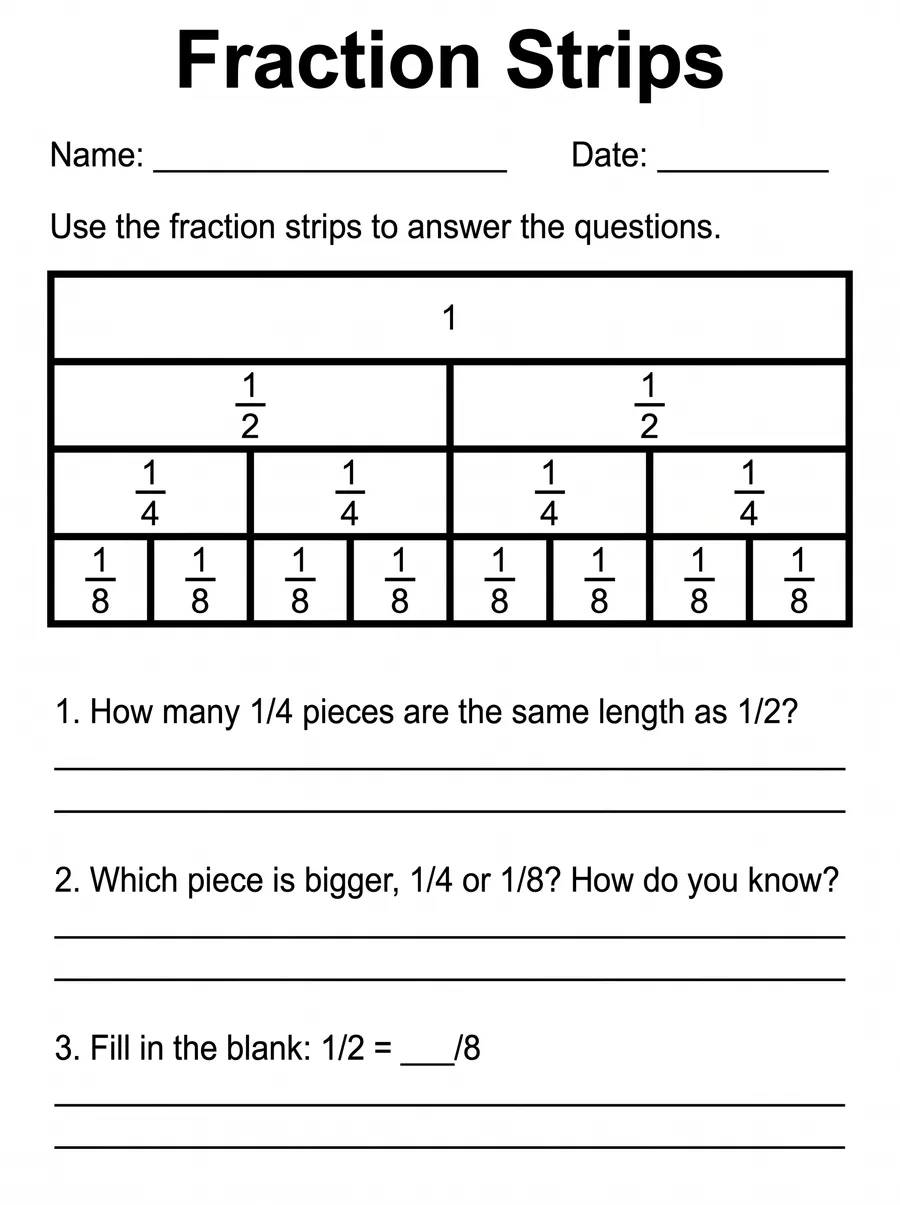
Prompt
A printable student worksheet page laid out as a flat digital document: a pure white background, crisp black text, and no paper texture, shadows or page border; portrait, with even margins. It is for students aged 9-11: clear, readable lettering. Layout, top to bottom: 1. Title, large and bold: "Fraction Strips" 2. One line with "Name: ____________" on the left and "Date: ________" on the right 3. Instructions: "Use the fraction strips to answer the questions." 4. The diagram described below 5. The questions, each followed by space to answer (two or three ruled lines for a written answer): "1. How many 1/4 pieces are the same length as 1/2?" "2. Which piece is bigger, 1/4 or 1/8? How do you know?" "3. Fill in the blank: 1/2 = ___/8" Diagram: Four horizontal fraction strips stacked one above another, all exactly the same length and lined up at the left and right ends, thick black outlines, no shading. Top strip: one whole piece labeled "1". Second strip: 2 equal pieces, each labeled "1/2". Third strip: 4 equal pieces, each labeled "1/4". Fourth strip: 8 equal pieces, each labeled "1/8". Draw only what the diagram description says. Print only the quoted text; do not print these notes or any other words.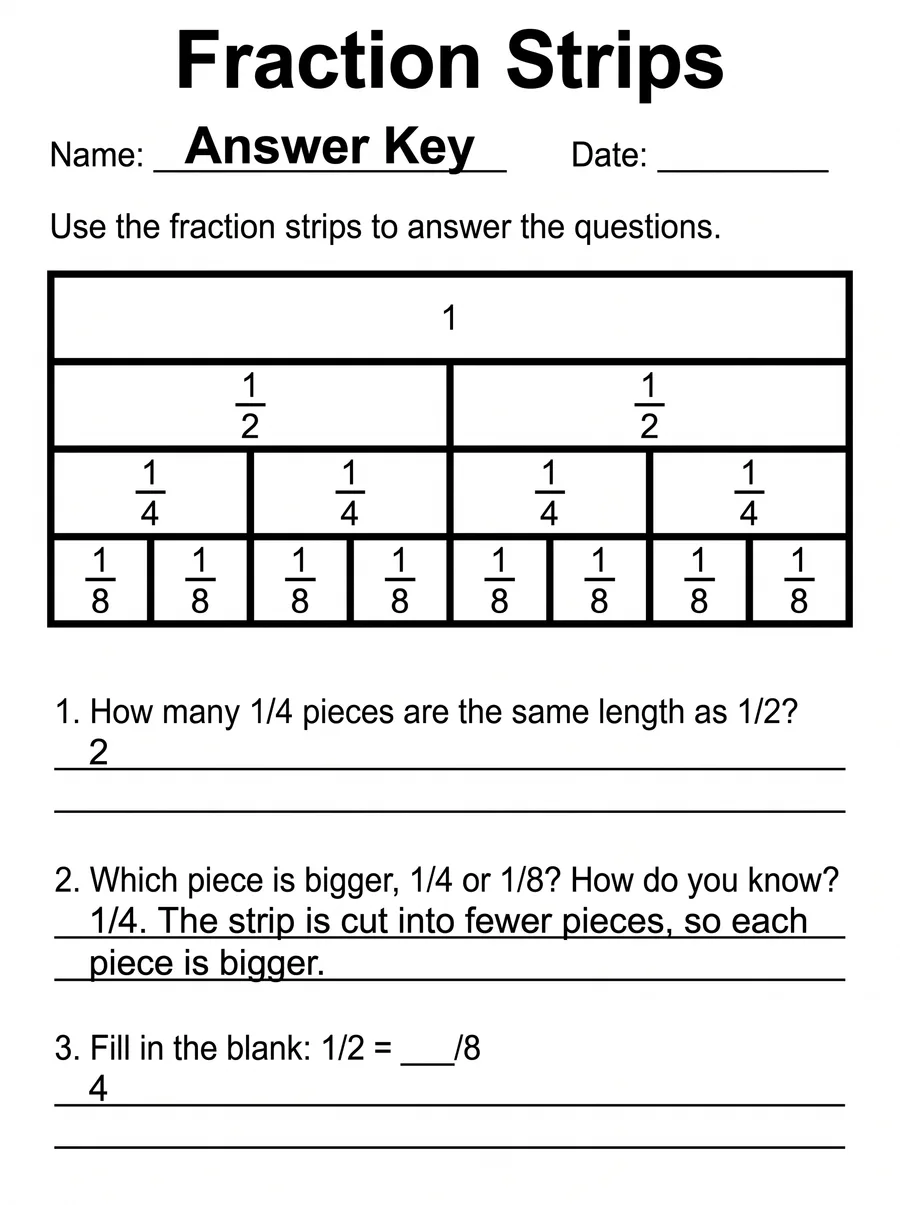
Prompt
Turn this student worksheet into its teacher answer key. Keep everything else identical: the same title, diagram, questions, numbering, lines and layout. Make only these changes: - On the blank after "Name:", write "Answer Key" in large, heavy lettering. Leave the title, the Date blank and everything else at the top exactly as they are. - On the ruled lines below each question, starting on the first line and leaving the question's words as printed, write its answer in clear print: 1. "2" 2. "1/4. The strip is cut into fewer pieces, so each piece is bigger." 3. "4" Keep every answer inside its space. Add nothing else.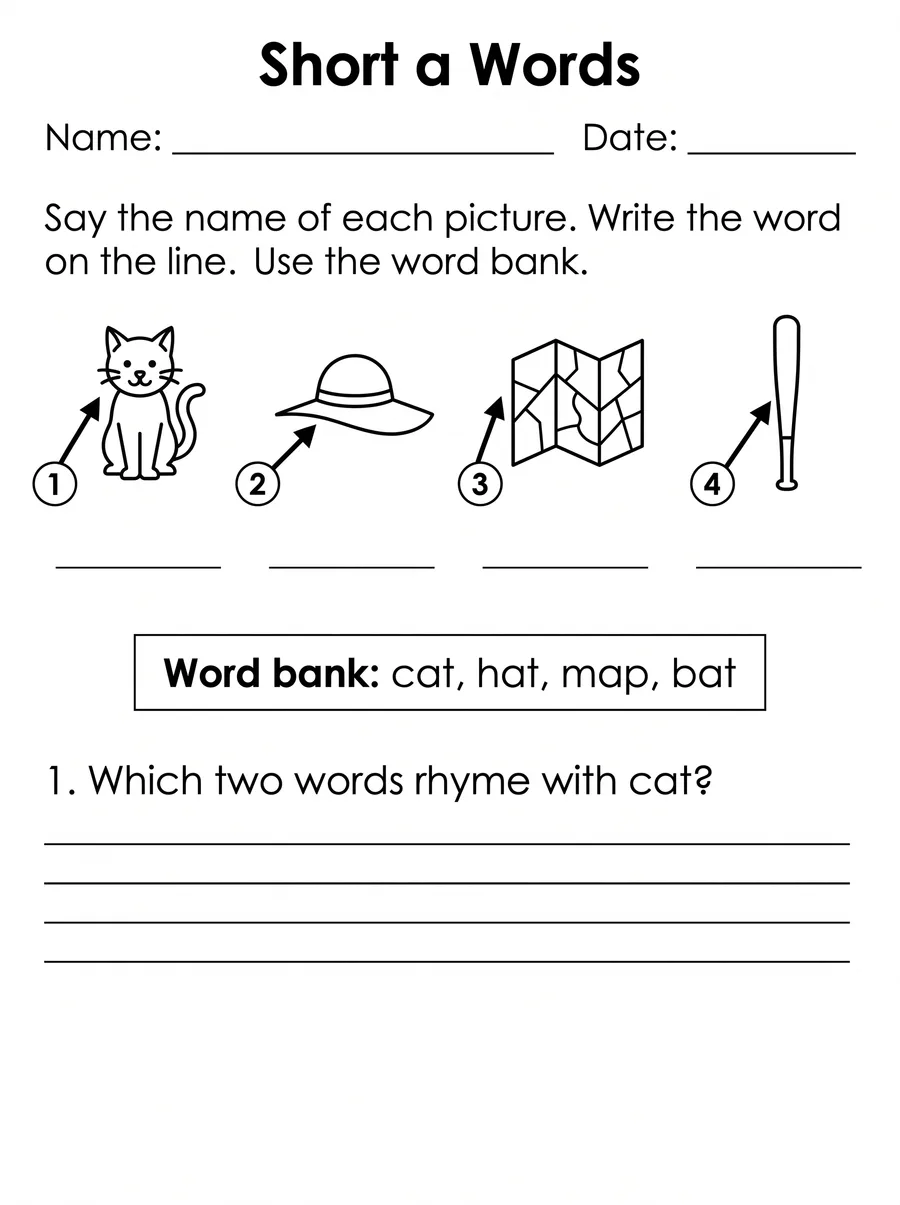
Prompt
A printable student worksheet page laid out as a flat digital document: a pure white background, crisp black text, and no paper texture, shadows or page border; portrait, with even margins. It is for young children: large, simple lettering and roomy spacing. Layout, top to bottom: 1. Title, large and bold: "Short a Words" 2. One line with "Name: ____________" on the left and "Date: ________" on the right 3. Instructions: "Say the name of each picture. Write the word on the line. Use the word bank." 4. The diagram described below 5. A box containing "Word bank: cat, hat, map, bat" 6. The questions, each followed by space to answer (two or three ruled lines for a written answer): "1. Which two words rhyme with cat?" Diagram: Four simple black outline pictures in a row, evenly spaced, each with a blank writing line below it: a cat sitting, a sun hat, a folded paper map, and a wooden baseball bat. Numbered callouts: put each number in a small circle outside the drawing, with one straight arrow whose tip touches its part. Each number appears exactly once, with one arrow: 1 → cat; 2 → hat; 3 → map; 4 → bat. Show only the numbers; never write these part names on the page. Draw only what the diagram description says. Print only the quoted text and the callout numbers; do not print these notes or any other words.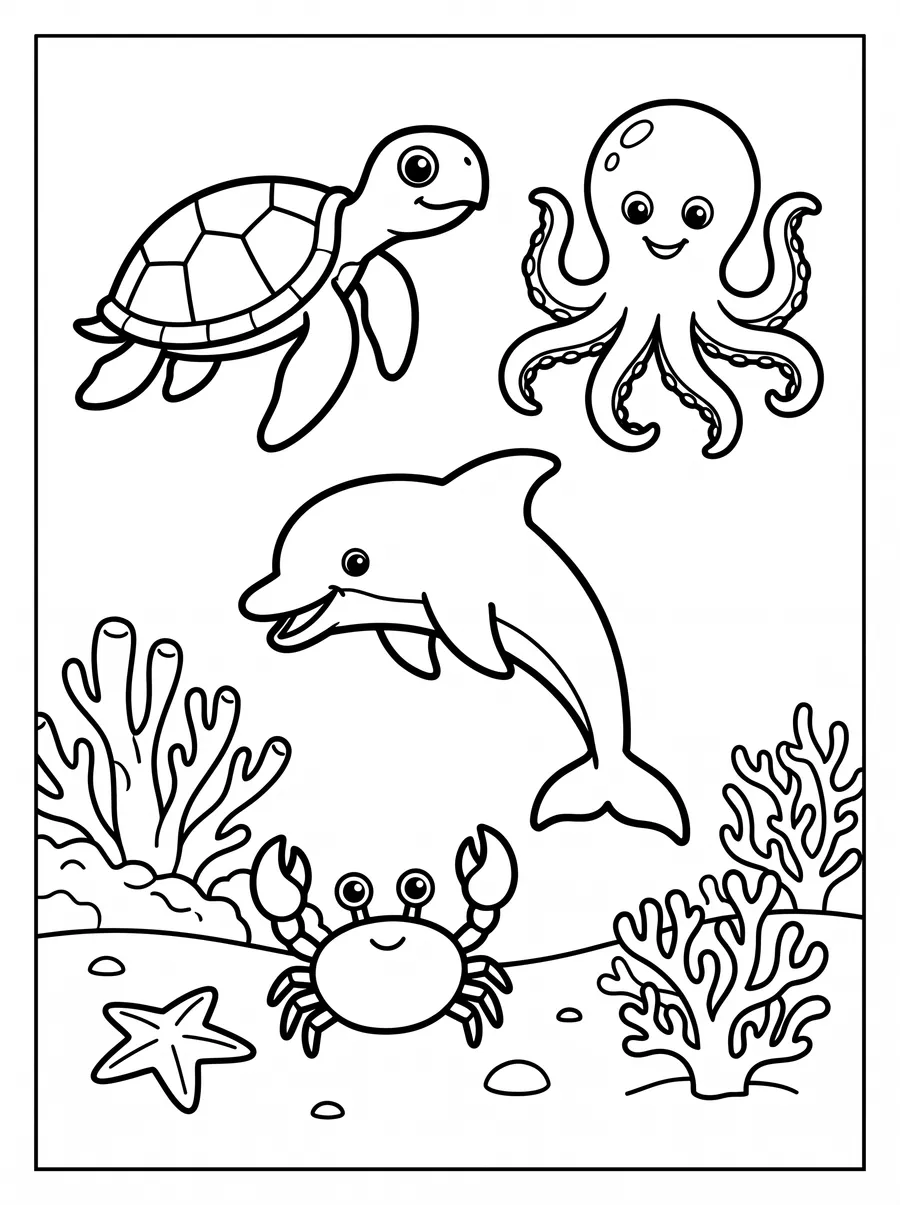
Prompt
“Ocean animals: a sea turtle, an octopus, a dolphin, a crab, a starfish, and coral on the sea floor” (Coloring Page mode, ages 6–8, standard)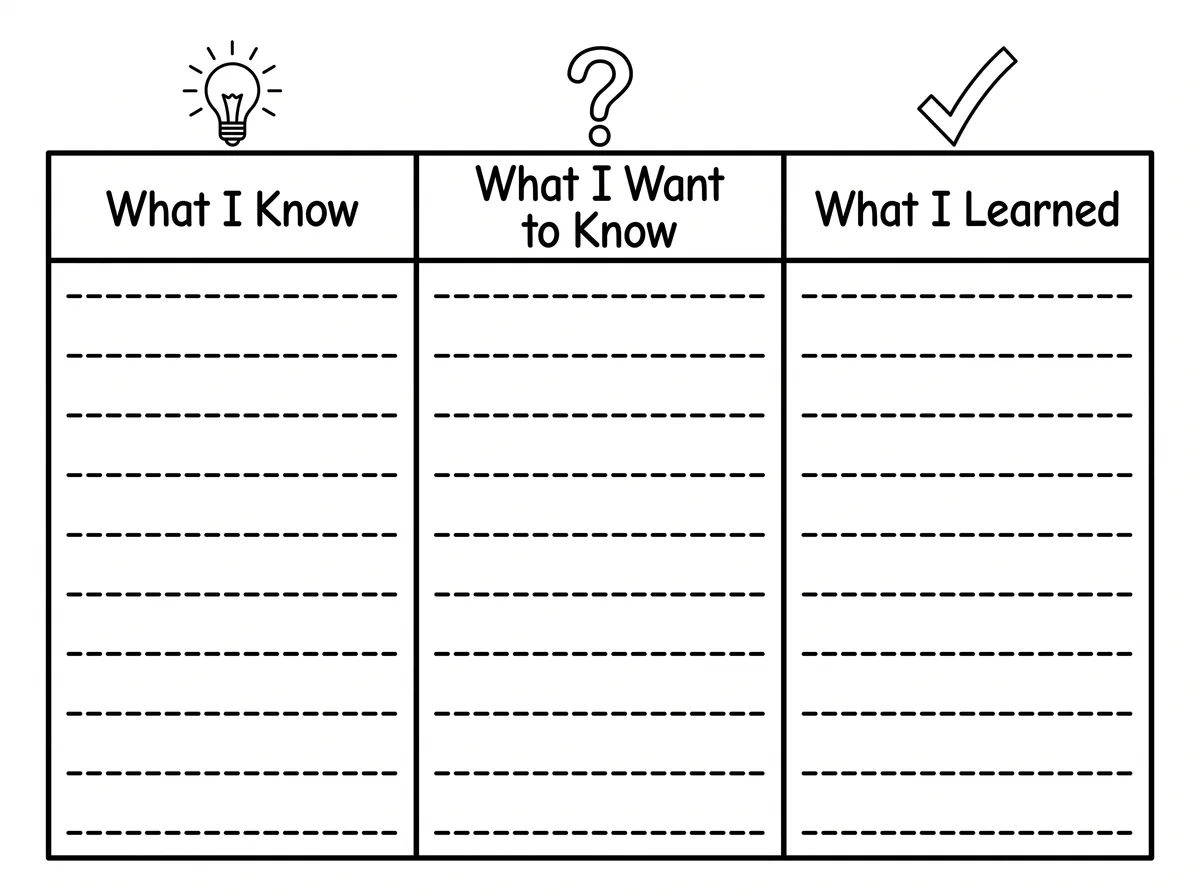
Prompt
Worksheet style, 4:3. Prompt: A blank KWL chart graphic organizer: three tall columns with headings "What I Know", "What I Want to Know", "What I Learned", a small simple icon above each heading (a light bulb, a question mark, a check mark), and empty writing lines in every columnHow it works
Describe the worksheet
Write the topic, what students should do, and anything the page must include.
Set grade, challenge and pages
Choose an age range or US grade, Support, Standard or Stretch, and one to three student pages.
Check the PDF and print
Check each page and key against your lesson, then print the student pages, the keys, or both.
Is TeachFigs free like an Education.com Basic account?
TeachFigs is free to start: new accounts get 10 credits once when they sign up, with no credit card. Each 1K or 2K image uses 1 credit and 4K uses 2; a worksheet uses 2 credits per student page and its matching answer key (4 at Ultra quality), and the creator shows the total before you make it. Starter is $8 a month for 30 credits, Classroom is $24 a month for 100 credits, and a credit pack is $4 for 15 non-expiring credits. Education.com Basic gives 3 free downloads a month instead.
Does every TeachFigs worksheet have an answer key?
Yes. Each student page gets a matching key made from the same page, and both are in one letter-size PDF: student pages first, then keys. Check each answer before you use the key for grading.
Does it work for middle and high school?
Yes. Choose an age range or an approximate US grade from Pre-K through 12th grade, or an adult audience. Education.com covers preschool through 8th grade, with most content for pre-K through 5th.
Can students do the work online, like Education.com Guided Lessons?
No. TeachFigs makes printable pages (letter-size PDF) and images (PNG, JPEG, WebP, auto-traced SVG, and 300 DPI PNG). It has no games, online assignments, or progress tracking. Print the PDF, or put the images in your own slides or learning platform.
Do students need accounts or personal data to use TeachFigs?
No. TeachFigs never asks for student accounts, names, rosters, or student work. Describe the lesson and the age group only, and keep student names out of your description.